
This Jalwa Game withdrawal guide covers everything from adding your bank account or UPI ID to withdrawing money, understanding each withdrawal status, and fixing pending or rejected requests.
📑 Table of Contents
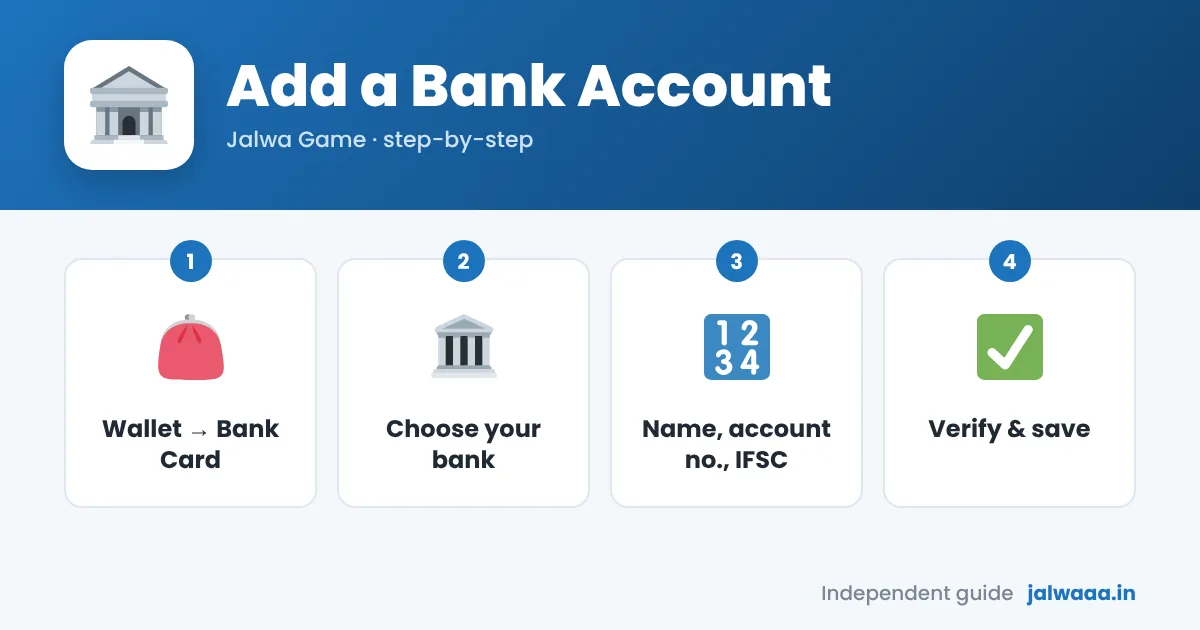
How to Add a Bank Account in Jalwa Game
1. Log in
Sign in with your mobile number and password.
2. Open Wallet → Withdraw
Or go to Account → Bank Card / Payment Settings.
3. Tap “Add Bank Account”
Select your bank from the list.
4. Enter details
Account holder name (exactly as on your passbook), account number and IFSC code.
5. Verify and save
Enter the OTP if asked and tap Save.
Tip: Most rejected withdrawals come from a name mismatch or a wrong IFSC. Copy them exactly from your passbook or bank app.
How to Add a UPI ID
- Wallet → Withdraw → UPI.
- Tap Add UPI, enter your UPI ID (for example name@okaxis) and the account holder name.
- Save and verify.
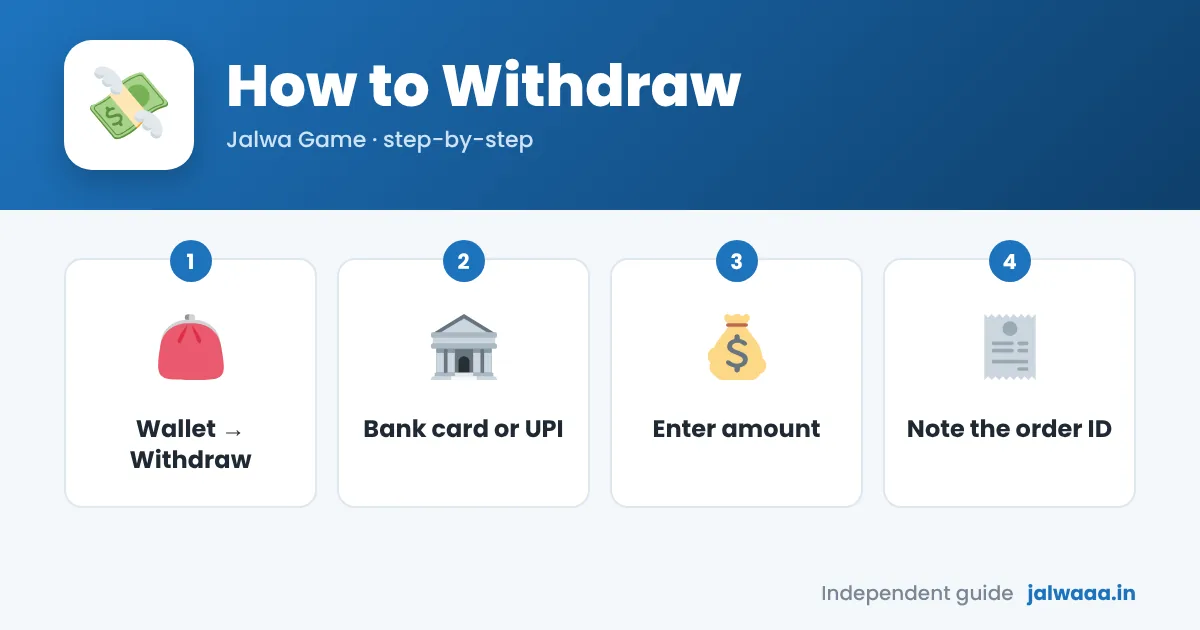
How to Withdraw Money from Jalwa Game
🏦 Bank Withdrawal
- Open Wallet → Withdraw.
- Select Bank Card and your saved account.
- Enter the amount (check the withdrawable balance shown).
- Enter your account password if asked and tap Withdraw.
📱 UPI Withdrawal
- Open Wallet → Withdraw.
- Select UPI and your saved UPI ID.
- Enter the amount and confirm.
Withdrawal Information
| Item | Details |
|---|---|
| Minimum / maximum | Shown on the Withdraw page |
| Daily limit | Set number of requests per day (shown in app) |
| Withdrawable balance | Wallet balance minus any remaining bonus turnover |
| Processing | Reviewed manually; time varies |
| Fees to release funds | Should never be required |
Withdrawal Status Explained
| Status | Meaning |
|---|---|
| To be reviewed / Pending | Request is in the approval queue. |
| Processing | Approved and being sent. |
| Completed / Success | Sent to your bank or UPI; check your statement. |
| Rejected / Failed | Not paid; check the reason and whether the amount returned to your wallet. |
Withdrawal Pending or Rejected: Fixes
- Turnover not complete: check “Withdrawable balance”; bonus amounts often need wagering first.
- Name mismatch / wrong IFSC: delete and re-add the bank account with exact details.
- Daily limit reached: try again the next day.
- Completed but not in bank: wait 24–48 hours, then share the order ID with customer service.
- Still pending for days: contact in-app support with your order ID and screenshots.
Important: A withdrawal never requires you to pay tax, GST or a release fee. If you are asked to, read what to do.
FAQs
How long does a Jalwa Game withdrawal take?
It depends on the review queue and your bank; small amounts are often faster.
Can I change my bank account?
Usually you can add a new one or contact support to change it.
Why is my withdrawable balance lower than my wallet?
Bonus money with incomplete turnover is not yet withdrawable.
Can I withdraw to someone else’s account?
No. The account holder name should match your own.
jalwaaa.in is an independent guide, not the official Jalwa Game website. 18+ only. Read: Is Jalwa Game real or fake?